 Skip to content


 Service
 Merch store
Film production
Planning Training Videos in Modules: Short Units, Not One Long Film
Oct
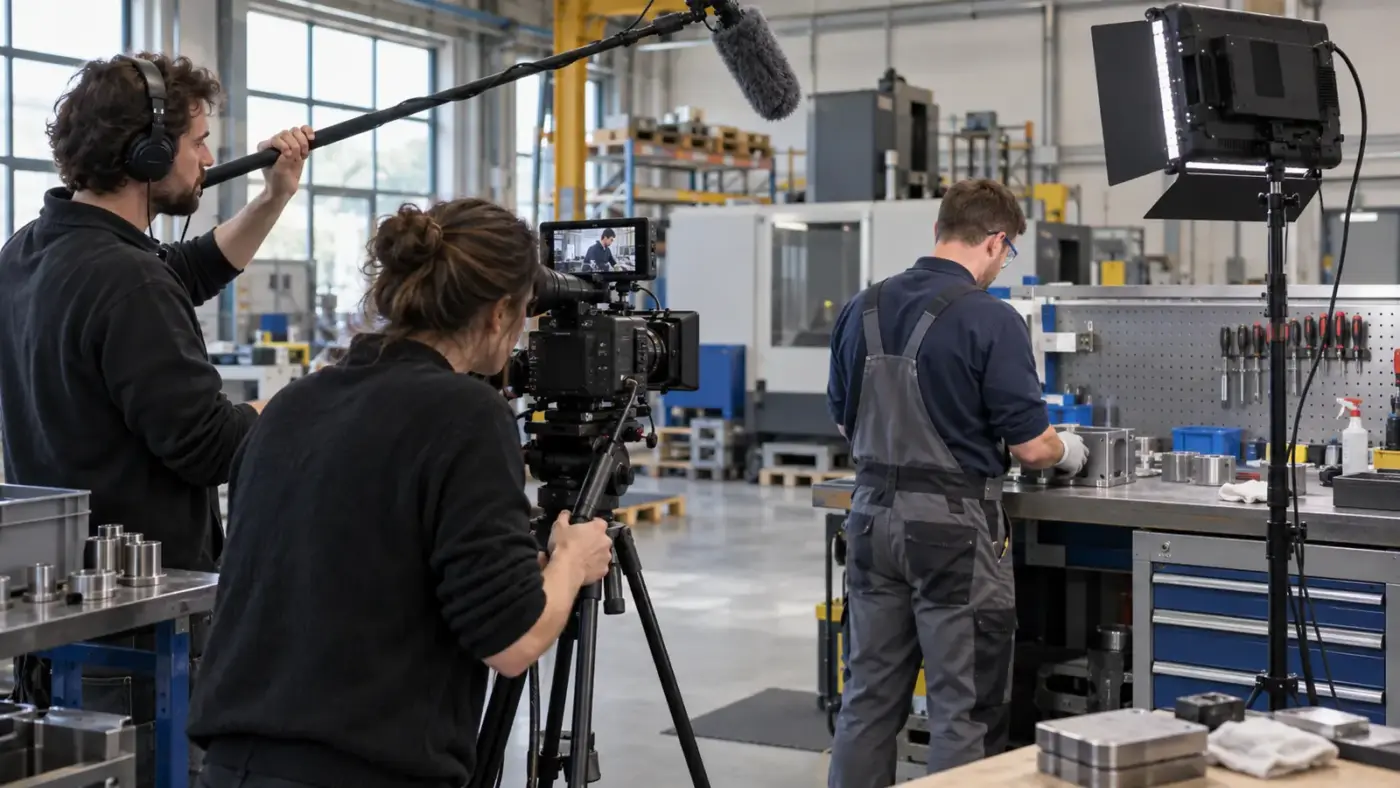
ⓘ AI imageThe featured image is an AI-generated illustration.
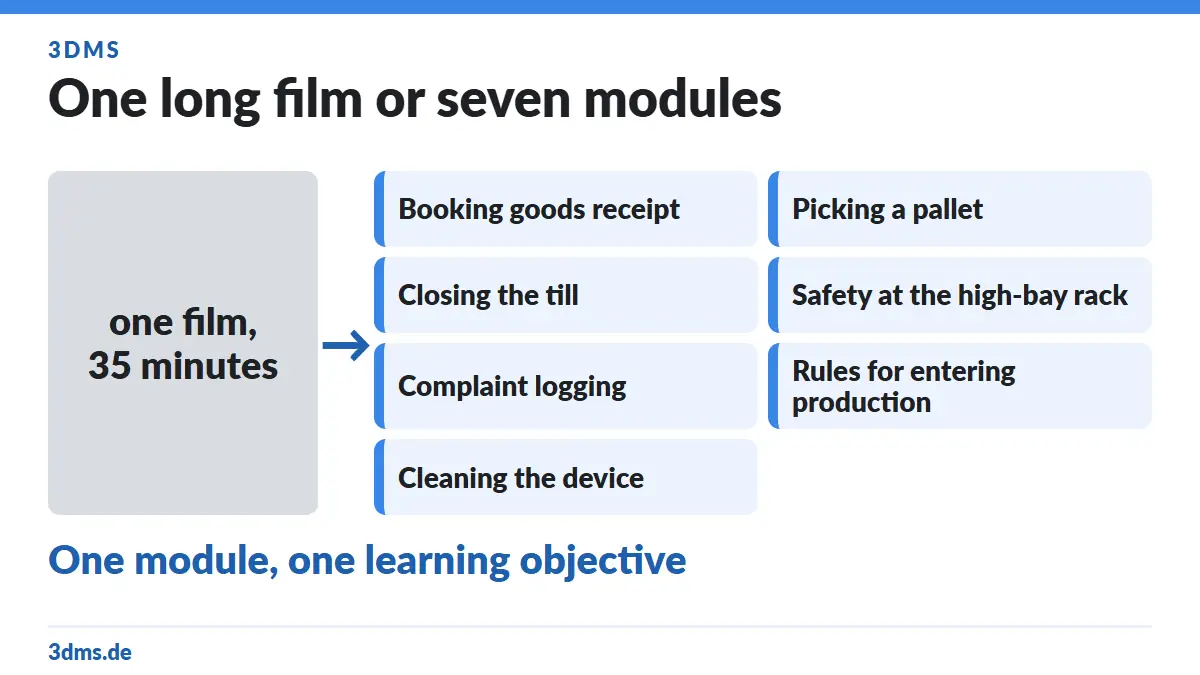
The most common mistake with a training video happens before the shoot: a company decides to "film the onboarding" and orders a film. What comes back is a 35-minute video nobody watches twice, in which nobody can find a specific passage, and which becomes unusable the moment a piece of software, a name or a process changes.
The alternative does not cost a cent more; it is just planned differently: modules instead of a film. This article shows you what planning training videos in modules looks like in practice, which form suits which content, and what you have to decide before the shoot day.
In short
- One module, one learning objective. Write it as a sentence: "After this module, the new colleague can document the shift handover independently."
- Order follows the workflow, not the org chart.
- Choose the form by content: presenter-led training, interview, process footage or screen recording — each does something the others cannot.
- Plan captions from the start. WCAG success criterion 1.2.2 (Level A) requires captions for prerecorded audio content in synchronised media.
- Consents before shoot day. Section 22 of the German Art Copyright Act (KunstUrhG) requires the consent of the person portrayed.
- Separate what ages. Software interfaces, names and figures go into their own modules so one change does not cost you the whole production.
Why one long film is the wrong format
Three practical reasons, independent of any learning theory:
Findability. Someone who wants to check in month three how complaint logging works will not search inside a 35-minute video. They will ask a colleague — and the video has missed its purpose.
Updatability. If a single step changes, a fully edited film with music, voice-over and graphics effectively has to be reproduced. With modules you swap one out.
Reuse. The same module "safety at the high-bay rack" is needed in onboarding, in the annual refresher, in contractor briefings and in customer training. As part of an onboarding film it cannot be used anywhere else.
Learning objective first, script second
Before anything is written, write one sentence per planned module following this pattern:
After this module, [who] can [what] [under which conditions].
Examples:
- "After this module, a new employee can open the POS system, void a receipt and close the till."
- "After this module, a contractor knows the three rules for entering production."
- "After this module, a customer can clean our device without asking."
The test is simple: if you cannot state the learning objective in one sentence, the module is still too big. And if two objectives share one sentence, they are two modules.
This step belongs to you, not to the production. According to the service page, 3DMS brings the director and the script — but the learning objective comes from the company, because only there does anyone know what new employees actually struggle with.
Cutting modules: rules of thumb that hold up
- One work step per module. Not "warehouse", but "booking goods receipt" and "picking a pallet".
- Order follows the process. A new employee learns in the order in which they work, not in the order of the org chart.
- Derive length from content, not from a target number. A module lasts as long as the step takes — if it runs longer than a few minutes, it usually contains more than one step.
- Same structure in every module. Intro, execution, typical mistake, summary. A recurring structure lowers the effort both for learning and for re-shooting.
- Cross-reference instead of repeating. If three modules need the same safety rule, give the rule its own module.
- Produce in order of priority. What is needed on day one of onboarding gets made first.
Which form suits which content
The service page names four production forms, and they are not interchangeable:

| Form | Strong for | Weak for |
|---|---|---|
| Presenter-led training | explaining context, framing rules, conveying attitude | concrete manual steps |
| Interview | experiential knowledge, reasons, culture and contacts | standardised procedures |
| Process footage | manual steps, machine operation, routes in a building | abstract rules |
| Screen recording | software, forms, click paths | anything physical |
Most modules need a mix: process footage with a short explanation before it and a graphic where nothing can be filmed. Lower thirds, graphics, logos and slides are included in the packages per the service page — use them where the camera cannot show anything, not as decoration.
Teleprompter or bullet points?
A teleprompter is part of the packages per the service page, and it is a useful tool — but not for every kind of content.
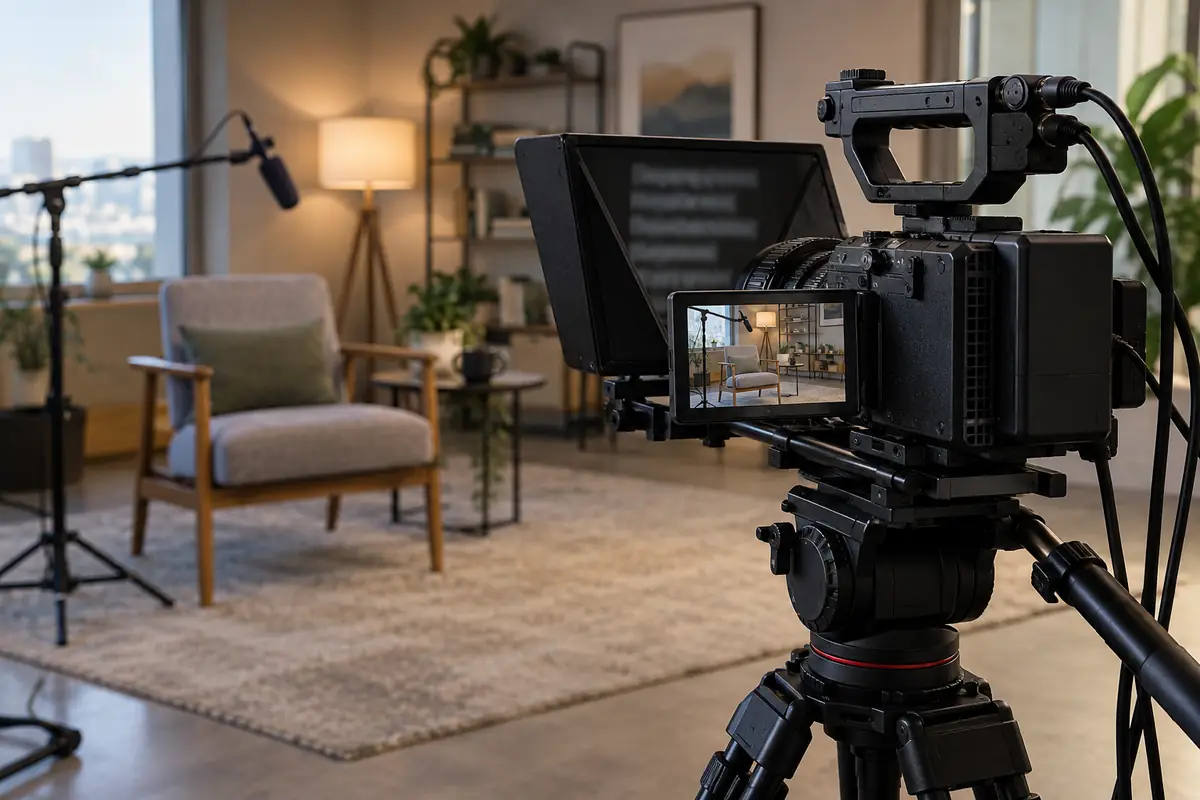
Use a teleprompter when wording has to be exact: compliance notices, safety rules, legal statements, product specifications. There, literal accuracy matters more than a natural delivery.
Use bullet points when experience is being passed on: interviews, reasons, "what to watch out for". A read-aloud account of experience sounds read aloud, and every viewer notices.
Nobody has to appear on camera. According to the service page, voice recording, dubbing and professional voice artists are part of the scope. A process video with a professional voice is often clearer than a nervous presenter — and for multiple languages it is the more practical solution anyway.
Who belongs on camera – and what has to be settled first
The people who actually perform the step belong on camera. Experienced employees demonstrate manual steps more precisely than managers describing them.
Two things must be done before shoot day:
- Consent. Section 22 KunstUrhG: portraits may only be distributed or publicly displayed with the consent of the person portrayed. For an internal training video that means written consent per filmed person, stating purpose, places of use (learning platform, intranet, possibly external customer training) and duration. Collect them before the crew arrives, not between two takes.
- Voluntariness. In an employment relationship, coerced consent is not consent. Anyone who does not want to be on camera is not filmed — a voice-over or another colleague takes over. For event footage we covered this in more detail in the article on the corporate event film.
On top of that, the obvious thing that still gets forgotten: whatever is visible in the background gets published too. Monitors with customer data, delivery notes, name badges, whiteboards with figures — cover or clear them before the shoot.
Captions and multiple languages
Captions are not an afterthought. WCAG 2.2 success criterion 1.2.2 (Level A) requires: "Captions are provided for all prerecorded audio content in synchronized media", with the exception that the media is itself an alternative to existing text. The W3C explains that captions do not only include dialogue but also identify who is speaking and convey meaningful non-speech sound.
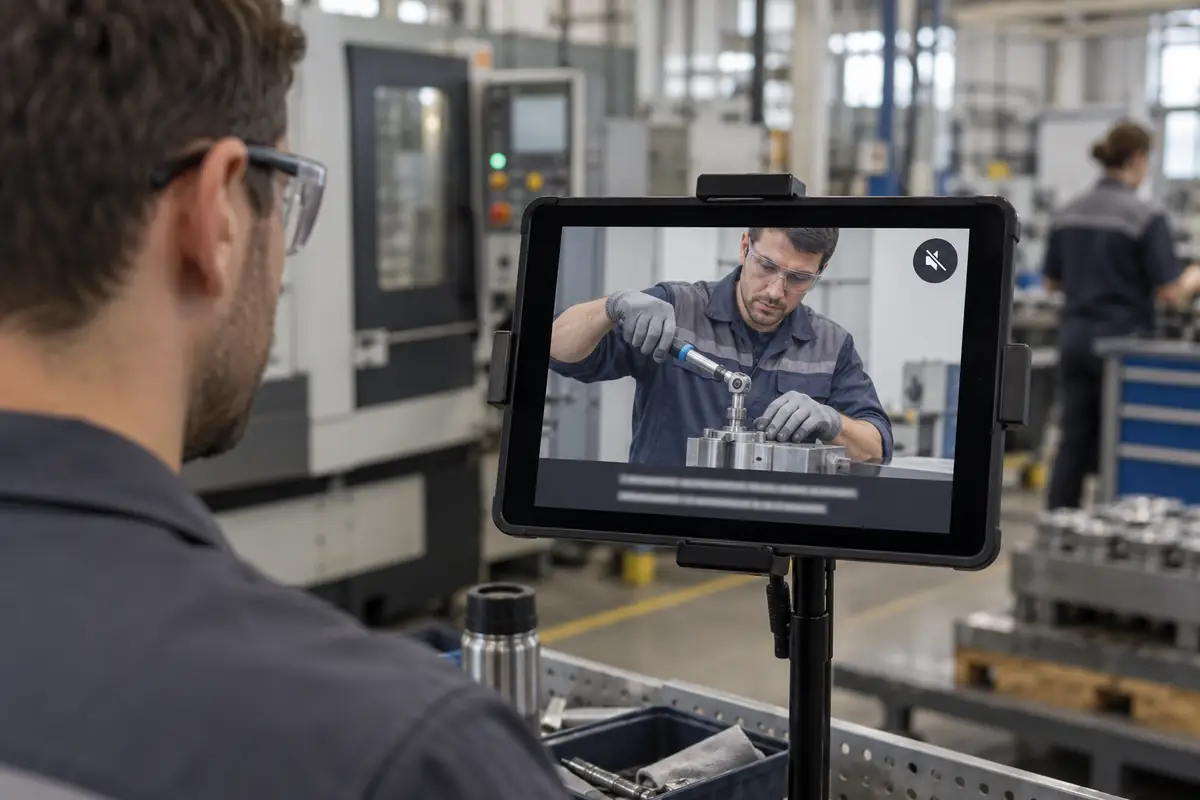
Two practical reasons come on top:
- Muted playback. In open-plan offices, in production and on phones, video often runs without sound. Captions decide whether the module works at all.
- Multilingual teams. A module built around a voice track rather than a person speaking on camera can be produced in further languages without a re-shoot. Dubbing and voice recording are part of the scope per the service page.
So plan captions from the start — including the decision whether they are burned in or supplied as a separate file to the learning platform. Burned in means one video file per language.
What will be out of date in 18 months – and how to prepare for it
Before the shoot, write down what is likely to change. Typically:
- Software interfaces. Every screen, every menu, every release.
- Names and roles. "Your contact is Ms X" is wrong two reorganisations later.
- Figures and deadlines. Thresholds, processing times, prices.
- Rooms, logos, workwear. Visibly dated after a refurbishment or a rebrand.
Hence the build rule: what ages fast goes into its own short modules — ideally as a screen recording with a voice track, without faces and without a year on screen. Such modules can be re-recorded individually. Everything stable — processes, attitude, safety logic, company history — may be produced more elaborately, because it lasts.
Two more precautions that save money later:
- Secure project files and raw footage. Agree contractually what you receive and how long it stays available.
- Get graphics as editable templates. If one value in a graphic changes, the whole graphic should not have to be rebuilt.
Planning the shoot day realistically
- Reserve rooms, do not just ask for them. A meeting in the room next door ruins the audio.
- Account for production noise. Machines, announcements, phones. Either use quiet windows or design the module around a voice track.
- Extras and safety gear. Anyone on camera must be equipped as they would be in daily work — a training video that breaks the rules teaches the wrong thing.
- A schedule, not just a shot list. Per module: location, people, duration, equipment needed, who decides.
- Someone on site who can decide. Questions come up on set, not in the meeting.
- The packages know the time. The 3DMS packages are graded by shooting time — Basic up to 4 hours, Pro up to 8 hours, Ultra two shoot days of up to 8 hours each. If you want six modules in half a day, count the modules first.
Delivery: learning platform, intranet, mobile
Clarify before the shoot where the modules will run: learning platform, intranet, website, internal communication. The service page names parallel production in 4K and 6K, portrait and landscape versions, and use for modules, chapters and short versions. Which format belongs to which channel is covered in our article on planning video formats — including what to watch for on set when footage will be cropped later.
A practical note on the learning platform: before production, check which file formats, which maximum file size and which caption formats your platform accepts. It is a ten-minute question to IT that otherwise costs a week after the edit.
What a training video costs
The packages are published on the service page and reproduced here unchanged (as of 5 October 2026):
| Package | Shooting time | Price |
|---|---|---|
| Basic | up to 4 hours | €1,399 |
| Pro | up to 8 hours | €1,899 |
| Ultra | 2 × up to 8 hours (two shoot days) | €3,599 |
| Additional hour | per hour | €299 |
Included per the service page: director and script, crew and equipment in 4K and 6K, 4K drone and GoPro, lavalier microphone, boom and recorder, lighting, 4K editing with effects and colour correction, lower thirds, graphics, logo and slides, teleprompter, voice recording and dubbing, music, voice artists and actors, plus output in all common video formats. All prices net, plus 19 % VAT.
Scope and format are agreed individually in advance per the service page; the figures on training video and in the price list remain authoritative.
Common mistakes – and how to avoid them
- Ordering a film instead of modules. The film is waste paper after the first change.
- Writing learning objectives only in the script. Then the production writes what can be filmed instead of what has to be learned.
- Letting managers explain manual steps. Show the person who performs the step daily.
- Putting software inside the main module. The next release makes the module wrong. Split it out.
- Commissioning captions afterwards. More expensive, and awkward with burned-in versions.
- Collecting consents on shoot day. Creates time pressure and poor consents.
- Forgetting where it will run. Clarify the learning platform’s format and file requirements first.
FAQ – planning training videos in modules
How long should a single module be?
As long as the work step it shows. If a module runs much longer than a few minutes, it usually contains more than one step and should be split.
How many modules does an onboarding need?
The list of learning objectives decides, not a target number. A practical question: what do new employees struggle with in the first four weeks? Every answer is a candidate.
Is a screen recording enough instead of a shoot?
For pure software topics, often yes. As soon as manual steps, machines, routes or people are involved, you need footage on site. Both can be combined per the service page.
Do employees have to take part?
No. Consent under Section 22 KunstUrhG must be voluntary. Anyone who does not want to be on camera is not filmed — there are voice-overs, over-the-shoulder shots and screen recordings.
Do we need captions?
Plan for them. WCAG success criterion 1.2.2 (Level A) requires captions for prerecorded audio content in synchronised media, and in production areas and open-plan offices video often runs without sound.
Can we update the modules ourselves later?
Partly. Agree in advance what you receive in terms of project files, graphic templates and raw footage. The smaller a module is cut, the cheaper a re-record becomes.
How long does a training video project take?
The shoot is four to sixteen hours depending on the package. The pace is usually set by approvals and scheduling inside the company, not by the production. Settling objectives, consents and rooms in advance shortens it considerably.
What is the difference between a training video and an image film?
The training video addresses learners and explains knowledge and processes repeatably and modularly; the image film addresses customers and partners and tells the brand story. The two can be combined, but not in one film.
Your training video in Munich
Bring a list of learning objectives — everything else can be planned along it: modules, forms, shoot days, delivery.
- Training video: services and packages
- Enquire via the contact form
- Price list
- All 3DMS film production services
- Planning video formats: one shoot, every channel
- Planning a recruiting film: what to settle before the shoot day
Sources for the technical and legal statements
- W3C Web Accessibility Initiative, "Understanding Success Criterion 1.2.2: Captions (Prerecorded)", WCAG 2.2: https://www.w3.org/WAI/WCAG22/Understanding/captions-prerecorded.html
- Section 22 of the German Art Copyright Act (KunstUrhG), right to one’s own image: https://www.gesetze-im-internet.de/kunsturhg/__22.html
Last Updated on 10/10/2026 by 3DMS
